How to Choose the Best IPTV Service in 2026: The Definitive Technical Evaluation & Buyer's Guide
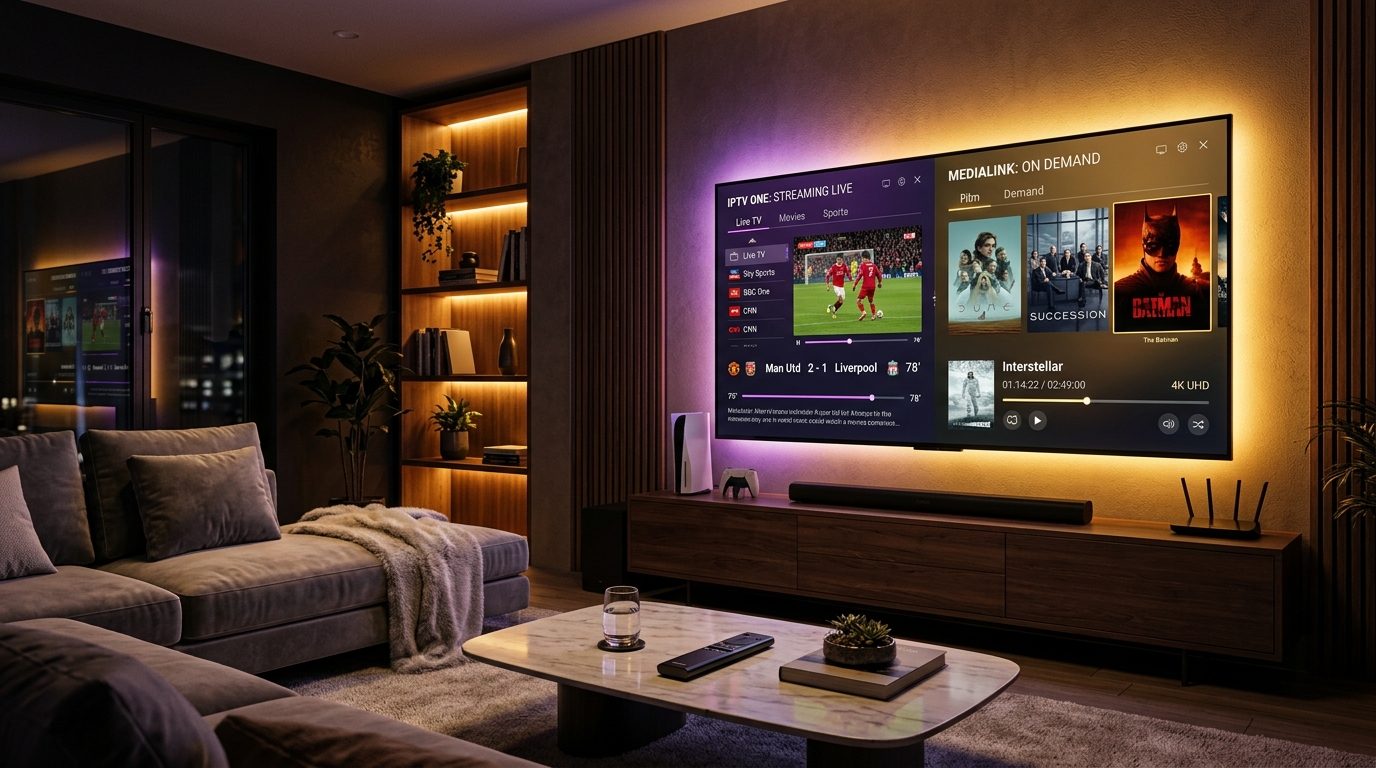
Selecting a dependable Internet Protocol Television provider demands looking far beyond superficial marketing slogans and inflated channel tallies. In an industry where hundreds of subscription services boast catalogs containing tens of thousands of linear streams, day-to-day viewing satisfaction almost never correlates with sheer numerical volume. Genuine broadcast stability rests squarely upon underlying engineering principles: globally distributed Content Delivery Network (CDN) edge clusters, dynamic load balancing, real-time hardware transcoding, reliable Electronic Program Guide (EPG) synchronization, and proactive customer support.
For cord-cutters transitioning away from traditional coaxial cable bundles or satellite dishes, navigating the IPTV marketplace can be confusing. Misleading marketing buzzwords such as "100% buffer-free guarantee" or "unlimited concurrent streams" routinely conceal oversold virtual private servers, single-point-of-failure network bottlenecks, and severe bandwidth throttling during marquee sporting events.
This comprehensive technical evaluation manual equips you with the exact criteria required to analyze prospective streaming subscriptions. By examining the underlying mechanics of modern IP video distribution—from broadcast ingestion and transport streams to client-side buffer negotiation—you will gain the knowledge necessary to select a service that delivers uninterrupted, high-definition television across every screen in your home.
1. The Architecture of Modern IPTV Streaming Networks
To evaluate a subscription service accurately, you must first understand how an audiovisual signal travels from a stadium or broadcast studio to your living room television. Internet Protocol Television does not broadcast analog or digital radio frequencies over terrestrial towers or satellite transponders. Instead, it converts broadcast feeds into digital IP packets and delivers them across packet-switched computer networks using standard transmission protocols.
[Broadcast Ingestion: Sat/Fiber]
              │
              ▼
[Hardware Transcoding Farm (HEVC/H.264)]
              │
              ▼
[Origin Streaming Servers & Token Auth]
              │
              ▼
[Global Anycast DNS Load Balancer]
              │
              ▼
[Geographic Edge CDN Reverse Proxies]
              │
              ▼
[End-User IPTV Player (TiviMate/Smarters)]
Broadcast Ingestion and Signal Acquisition
The streaming pipeline begins at the point of ingestion. Professional television feeds originate from two primary sources:
- Direct Terrestrial Fiber Feeds (SDI/SMPTE 2110): Broadcast studios and stadium production trucks transmit uncompressed or lightly compressed video over dedicated enterprise fiber circuits directly to data centers. This delivery path yields the lowest possible transmission latency and highest image clarity.
- Satellite Downlink Transponders (DVB-S2): Teleport facilities equipped with motorized commercial satellite dish arrays capture feeds directly from geostationary satellites. These signals are decrypted using enterprise smart cards and routed into digital receivers.
Budget operators frequently attempt to re-stream secondary public web feeds or consumer cable box outputs, introducing severe latency, video compression artifacts, and frequent channel downtime. Top-tier providers like VIPSATV invest directly in redundant satellite downlink infrastructure and direct terrestrial fiber uplinks to guarantee primary signal continuity.
Real-Time Hardware Transcoding and Video Codecs
Raw broadcast signals consume vast amounts of data—often between 20 Mbps and 1.5 Gbps per feed. To transmit these channels over residential broadband connections, high-density server clusters compress the raw bitstream in real time using dedicated hardware acceleration:
- H.264 / AVC (Advanced Video Coding): The long-standing industry standard for broad device compatibility. While widely supported by older smart TVs and legacy media boxes, H.264 demands higher bitrates (typically 8 to 12 Mbps) to maintain crisp 1080p resolution during high-motion live sports broadcasts.
- H.265 / HEVC (High Efficiency Video Coding): A modern video compression standard that reduces bandwidth requirements by 40% to 50% relative to H.264 without sacrificing visual fidelity. HEVC is essential for delivering native 4K Ultra HD resolution, High Dynamic Range (HDR10), and high-framerate 60 FPS sports broadcasts.
- AV1 (AOMedia Video 1): An emerging royalty-free open standard that provides superior compression efficiency compared to HEVC. Modern streaming terminals like the Amazon Fire TV Stick 4K Max (2nd Gen) and Apple TV 4K feature dedicated silicon blocks to decode these cutting-edge codecs with negligible hardware strain.
Origin Packaging and Transport Protocols
Following compression, video data is packaged into continuous digital transport segments. Most IPTV providers deliver linear streams via MPEG-2 Transport Stream (MPEG-TS) over HTTP/HTTPS or chunked HTTP Live Streaming (HLS / M3U8) containers. MPEG-TS provides the lowest channel-changing latency (zapping time), while HLS offers adaptive bitrate streaming that scales resolution automatically if a subscriber experiences sudden local connection dips.
Edge Caching and Anycast CDN Distribution
The defining operational difference between fragile reseller operations and enterprise-grade IPTV networks lies in network topology:
- Centralized Single-Server Architecture: Low-cost services operate from one or two rented dedicated servers located in a single jurisdiction. When thousands of subscribers log in simultaneously on a weekend afternoon to watch live sports, the network interface cards (NICs) become saturated, CPU load spikes to 100%, and streams freeze globally.
- Distributed Anycast CDN Edge Architecture: Premium providers distribute streaming traffic across dozens of geographically dispersed edge points of presence (PoPs). When you request a channel, Anycast DNS automatically routes your connection to the closest server node. Edge servers cache ongoing stream packets in high-speed RAM, serving regional user bases with minimal packet transit times and zero origin server strain.
2. Demystifying "Anti-Freeze Technology" and Server Stability
Almost every IPTV subscription service claims to feature proprietary "Anti-Freeze Technology." In consumer marketing, this phrase is often treated as a mysterious, undefined software feature. In rigorous network engineering, however, anti-freeze capability is the outcome of robust infrastructure design, dynamic load balancing, and intelligent client-server buffer management.
The Mechanics of Video Freezing
To understand how freezing is prevented, consider why a stream stalls in the first place:
- Server Packet Starvation: If the streaming server's uplink becomes congested, it cannot transmit video chunks at 1.0x playback speed. When the buffer memory on your streaming device drops to zero bytes, playback stops immediately and displays a spinning wheel while waiting for subsequent packets.
- Intermediate Internet Routing Congestion: Data packets traversing public Internet Exchange Points (IXPs) encounter packet loss or excessive latency variance (jitter). If critical video keyframes are dropped in transit, the hardware decoder on your device halts until a fresh frame arrives.
- ISP Throttling and Traffic Shaping: Many residential Internet Service Providers deploy Deep Packet Inspection (DPI) algorithms during peak evening hours to identify continuous UDP/TCP media streams, intentionally throttling bandwidth to conserve neighborhood capacity.
Structural Redundancy vs. Promotional Hype
Legitimate streaming stability requires multi-layered hardware and network redundancy:
| Infrastructure Layer | Budget / Unstable Providers | Enterprise VIPSATV Architecture |
|---|---|---|
| Broadcast Acquisition | Single domestic satellite tuner | Redundant dual motorized dishes + terrestrial fiber backups |
| Uplink Capacity | 1 Gbps shared unmetered bandwidth | Tier-1 10 Gbps and 40 Gbps fiber uplinks directly peered at major IXPs |
| Load Distribution | Static DNS round-robin | Dynamic Anycast geo-routing with automated real-time failover |
| Socket Management | Unmanaged raw HTTP transport | Keep-alive socket persistence with optimized TCP window sizing |
| Peak Event Headroom | 10% to 15% reserve bandwidth | 200%+ peak reserve bandwidth to absorb championship viewership surges |
When reviewing prospective IPTV subscription tiers, look for services that operate multi-homed server networks backed by automated failover. If an edge node encounters unexpected maintenance or localized transit outages, intelligent routing protocols should redirect your connection to an alternate node in milliseconds without terminating your viewing session.
3. Video Codecs, Bitrates, and Framerates: The Metrics of Visual Quality
A common trap for new cord-cutters is assuming that resolution tags alone—such as "1080p" or "4K"—guarantee a crisp picture. In digital video compression, resolution represents only the physical pixel grid dimension. True visual clarity is determined by the combination of bitrate, framerate, and compression efficiency.
[Resolution: 1920x1080]  x  [Framerate: 60 FPS]  x  [Bitrate: 10 Mbps HEVC]
                                  │
                                  ▼
                 [Crisp, Fluid, Broadcast-Grade Output]
Framerate: The Critical Factor for Sports and Action
Traditional cinema is filmed and displayed at 24 Frames Per Second (FPS), where natural motion blur helps create an artistic aesthetic. High-speed athletic competition, however, operates under completely different visual dynamics:
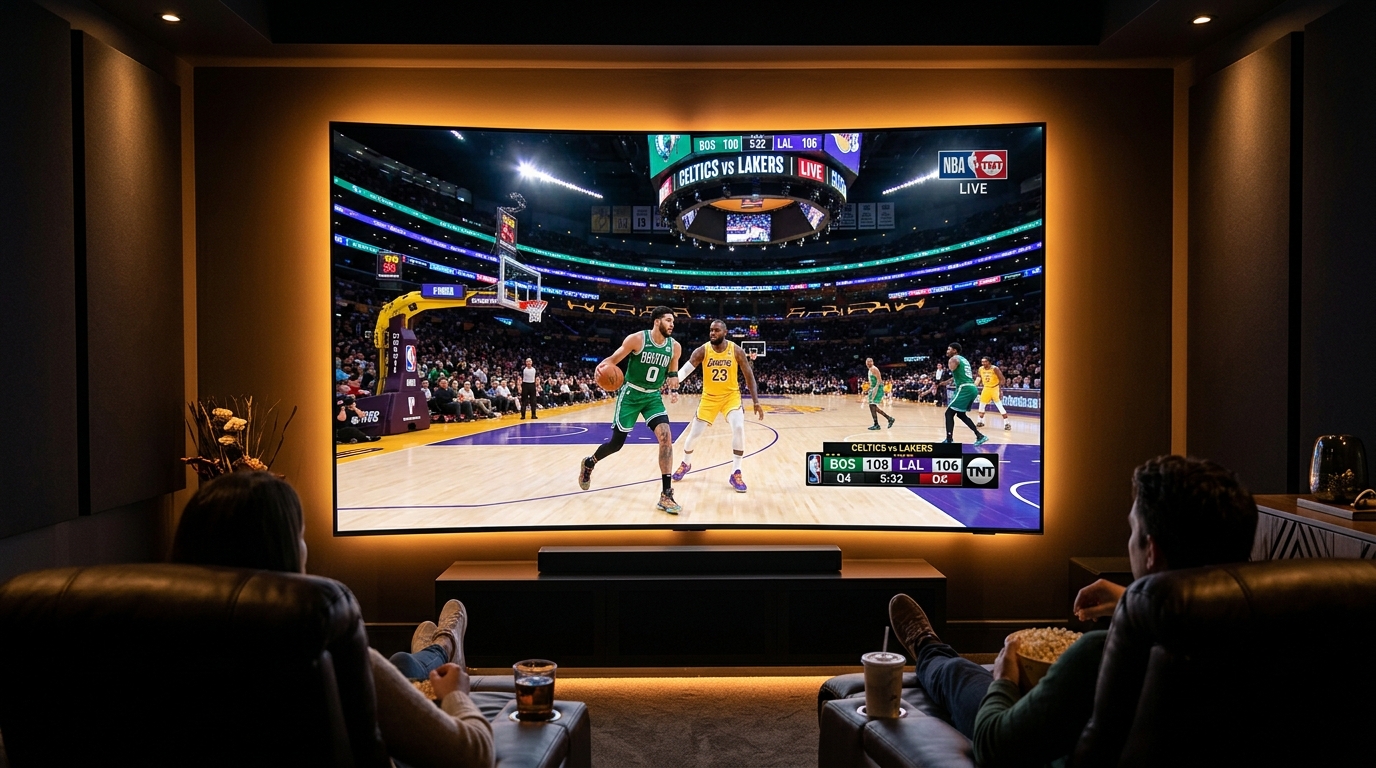
- At 30 FPS, a fast-moving soccer ball, tennis serve, or basketball updates its physical position on screen once every 33.3 milliseconds. During rapid cross-court passes, the ball travels several feet between frames, resulting in noticeable ghosting and smeared motion artifacts.
- At 60 FPS (or 50 FPS European PAL broadcast standard), the display refreshes every 16.6 milliseconds. Fast camera pans remain sharp, jersey numbers are legible during sprints, and ball flight is rendered with natural fluidity.
Never accept an IPTV service that caps sports broadcasts at 25 or 30 FPS. High-grade services provide dedicated 50 FPS and 60 FPS feeds across all major sports networks.
Bitrate Allocation Guidelines
Bitrate measures the volume of digital information transmitted per second of video. If an IPTV provider compresses a 1080p stream down to 2 Mbps to save on server bandwidth costs, the picture will appear pixelated, especially during scenes containing pyrotechnics, confetti, water spray, or rapid camera motion.
Examine the standard bitrate benchmarks across premium streaming operations:
- Standard Definition (SD 576p): 1.5 to 2.5 Mbps (H.264). Suitable for legacy regional broadcasts or backup feeds.
- High Definition (HD 720p 60FPS): 4.0 to 6.0 Mbps (H.264) or 2.5 to 4.0 Mbps (HEVC).
- Full High Definition (FHD 1080p 60FPS): 8.0 to 14.0 Mbps (H.264) or 5.0 to 9.0 Mbps (HEVC). The gold standard for primary sports and network entertainment.
- Ultra High Definition (4K UHD 60FPS): 18.0 to 35.0 Mbps (HEVC/AV1) with 10-bit color depth (HDR10/HLG).
You can review our complete selection of high-bitrate live feeds by exploring the VIPSATV live channel directory.
4. Channel Lineup Quality vs. Raw Channel Quantity
One of the most persistent marketing tactics across budget IPTV providers is advertising overwhelming channel counts: "35,000+ Live Channels and 120,000 VOD Movies!" While these colossal numbers sound enticing to prospective buyers, an uncurated, bloated playlist creates severe practical issues for end users.
The Hidden Downsides of Bloated Playlists
- Device Memory Exhaustion and Application Crashes: Popular streaming hardware—such as the Amazon Fire TV Stick Lite or budget Android TV boxes—often contains only 1 GB to 1.5 GB of system RAM. Loading an uncurated M3U playlist file containing 40,000 channel entries consumes hundreds of megabytes of memory simply to build the channel database. This frequently causes player applications like TiviMate or IPTV Smarters to lag, stutter during navigation, or crash completely.
- Dead Feeds and Redundant Duplicate Links: Massive channel directories frequently contain thousands of dead links, inactive test streams, and abandoned regional feeds that haven't broadcasted in months. Scrolling through dozens of broken channels severely degrades the user experience.
- Mismatched and Empty EPG Metadata: When channel lists are scraped haphazardly without consistent naming conventions, Electronic Program Guide servers fail to match channel IDs. As a result, program timelines appear blank with "No Information Available."
Evaluating Channel Quality Over Quantity
A professional provider focuses on stream reliability, curation, and structure:
- Consistent Channel Labeling: Channels should adhere to standardized naming conventions including geographic country prefix, genre categorization, and resolution indicators (e.g.,
US | ESPN HD [60FPS]orUK | Sky Sports Main Event UHD). - Backup Feed Availability: For major sports and premium movie networks, top-tier providers maintain secondary and tertiary backup links sourced from alternative transponders or fiber backhauls. If a primary feed experiences technical interference, viewers can seamlessly switch to the backup stream.
- Curated Video On Demand (VOD): A properly managed on-demand library provides high-bitrate movie and episodic television releases complete with high-resolution poster art, cast overviews, multi-language audio tracks, and synchronized subtitle files.
5. Electronic Program Guide (EPG) Integration and Time Synchronization
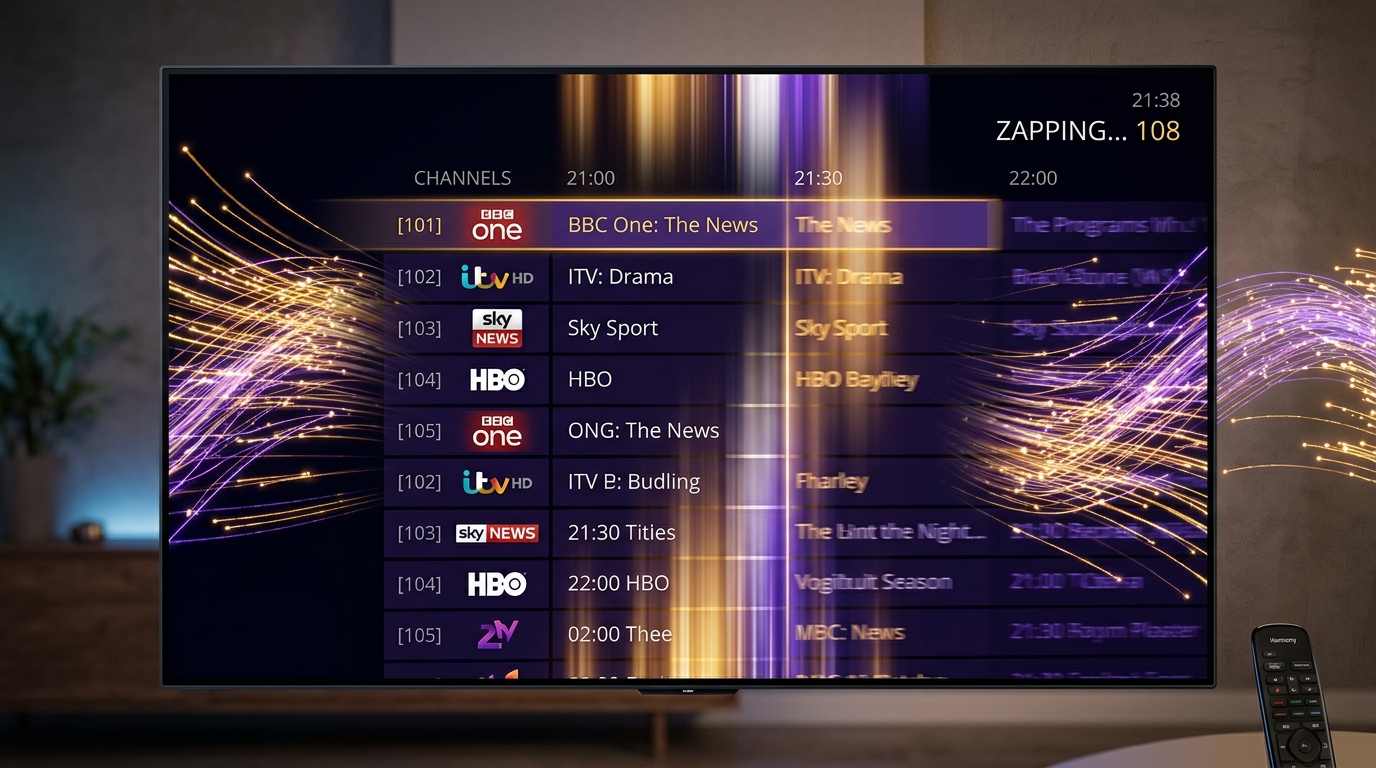
An IPTV subscription without a comprehensive, synchronized Electronic Program Guide (EPG) is like a modern television without a remote control. The EPG provides the interactive on-screen timeline schedule that displays show titles, episode descriptions, broadcast start and end times, and upcoming programming across your favorite channels.
+--------------------------------------------------------------------------+
| 20:00                | 20:30                | 21:00                      |
|--------------------------------------------------------------------------|
| Live Premier League  | Match Analysis       | Sports Center Highlights   |
| (FHD 60FPS - 1080p)  | Tactical Breakdown   | Global Scores Recap        |
+--------------------------------------------------------------------------+
EPG Distribution Standards: XMLTV vs. Xtream Codes API
IPTV services deliver schedule metadata using two primary technical formats:
- XMLTV Files (
.xmlor.xml.gz): XMLTV is an open XML-based specification designed to distribute television schedules. Premium providers generate compressed GZIP archives daily that contain seven to fourteen days of upcoming broadcast schedules. When your IPTV application downloads this archive, it unpacks the schedule into a local SQLite database on your device. - Xtream Codes EPG API: When authenticating via Xtream Codes credentials, the player requests program information directly from the provider's database using structured JSON calls. This method refreshes schedules dynamically, eliminates manual URL configuration, and updates program schedules automatically in the background.
Crucial EPG Capabilities to Look For
- Timezone Synchronization and Offset Configuration: Because international broadcasts originate across diverse timezones (UTC, EST, CET, JST), an IPTV provider must ensure timestamps are encoded in UTC standard format. Your player application can then apply local timezone offsets so showtimes match your wall clock perfectly.
- Catch-Up TV and Program Replay: Top-tier services record linear broadcast streams onto dedicated high-speed Network Attached Storage (NAS) clusters, retaining programming for 48 to 96 hours. A fully integrated EPG allows you to scroll backward in the schedule grid, click a past show, and stream it instantly on demand.
- Dynamic Program Information and Metadata: Comprehensive EPG entries include episode titles, seasonal indicators (e.g., S04E12), actor credits, and parental rating advisories.
6. Multi-Device Compatibility and Supported Ecosystems
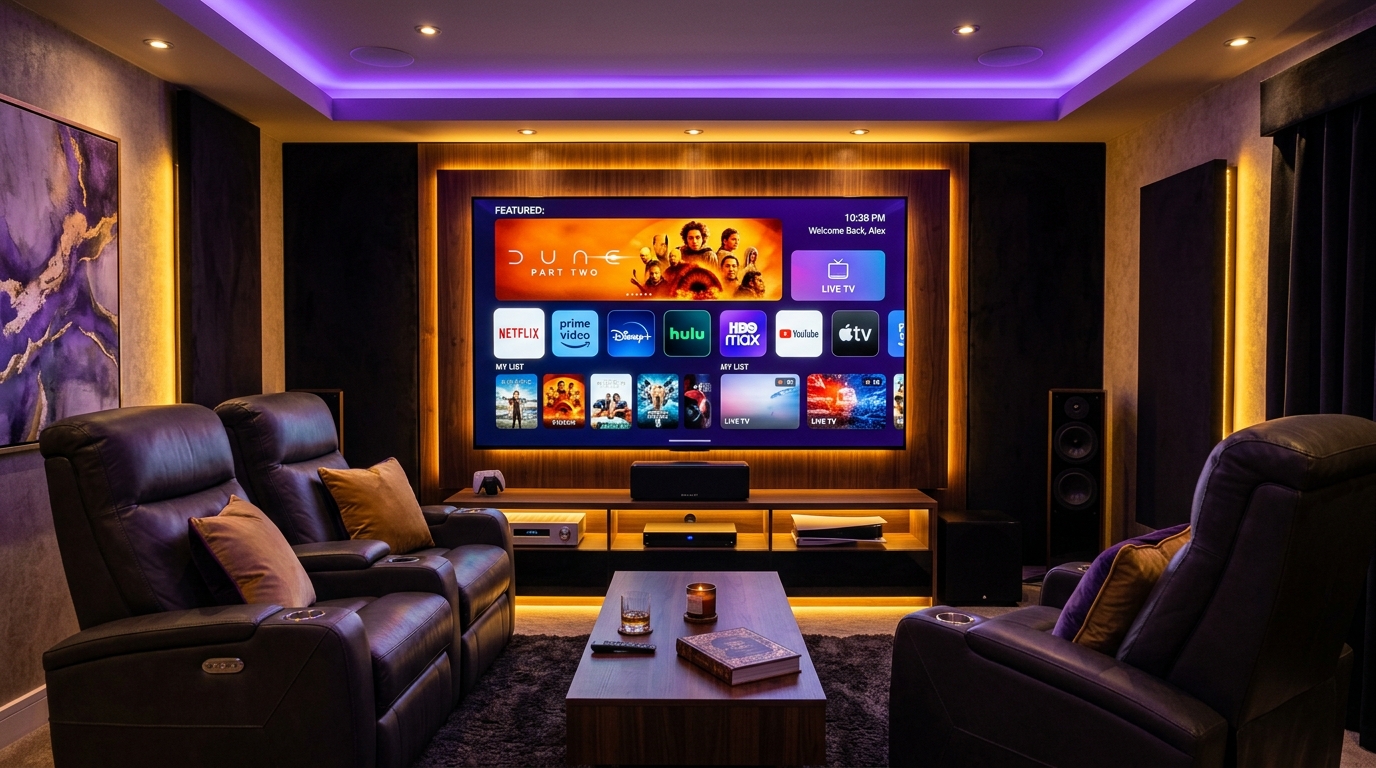
Modern households consume entertainment across diverse screens: living room OLED displays, bedroom streaming sticks, portable tablets, laptops, and smartphones. An enterprise IPTV service must function seamlessly across all major operating systems without imposing proprietary, locked-down hardware.
                       [VIPSATV Cloud Service]
                                  │
         ┌────────────────────────┼────────────────────────┐
         ▼                        ▼                        ▼
  [Amazon Fire OS]         [Android / Google TV]        [Apple tvOS / iOS]
  Firestick 4K Max         Nvidia Shield TV Pro         Apple TV 4K
  Fire TV Cube             Chromecast with Google TV    iPad / iPhone
         │                        │                        │
         └────────────────────────┼────────────────────────┘
                                  ▼
                    [Smart TVs & Desktop OS]
                    Samsung Tizen / LG webOS
                    Windows PC / macOS / Linux
Operating System and Device Evaluation
Amazon Fire TV Ecosystem (Firestick 4K, 4K Max, Fire TV Cube)
Amazon Fire OS is the most widely deployed IPTV hardware platform worldwide. Powered by an Android base, Fire TV devices feature dedicated hardware video decoders, support high-efficiency codecs (HEVC, VP9, AV1), and allow straightforward installation of third-party player applications via the official Downloader utility. The Fire TV Stick 4K Max and Fire TV Cube stand out due to their high RAM allowances and Wi-Fi 6/6E capabilities.
Android TV and Google TV (Nvidia Shield, Chromecast, Xiaomi Box)
Android TV delivers the most flexible, open streaming environment. Users can download IPTV player applications directly from the Google Play Store, configure advanced system audio passthrough (Dolby Atmos, DTS:X), and customize system-level button mappings on their remote controls. The Nvidia Shield TV Pro remains the benchmark choice for power users due to its Tegra X1+ processor and real-time AI-enhanced 4K upscaling.
Apple tvOS (Apple TV 4K)
Apple TV 4K delivers unrivaled interface fluidity, powerful A-series Bionic silicon, and strict color accuracy. Applications on tvOS render menus at a locked 60 FPS using Apple's low-level Metal graphics API. Because tvOS restricts direct file sideloading, users install premium App Store players like iPlayTV, IPTV Smarters Pro, or UHF Player. Furthermore, system-level Match Frame Rate and Match Dynamic Range ensure that broadcasts are output at their native refresh rates and color gamuts.
Smart TVs (Samsung Tizen OS and LG webOS)
For viewers seeking a clean living room aesthetic without external HDMI dongles, Samsung and LG television app stores feature dedicated IPTV applications like IBO Player, Smart ONE, and Nanomid. These applications allow users to synchronize playlists and EPG schedules via simple online portal management systems linked to the television's hardware MAC address.
Desktop Computers (Windows, macOS, Linux)
Streaming on personal computers is straightforward via dedicated desktop applications (such as IPTV Smarters Pro for Windows/macOS or SFVIP Player) or versatile open-source media players like VLC Media Player.
For step-by-step setup walkthroughs tailored to your exact hardware, consult our detailed device installation tutorials.
7. Connection Protocols: Xtream Codes API vs. M3U Playlists vs. Stalker Portals
When setting up your IPTV service, you will typically encounter three distinct connection protocols. Understanding their technical architectures ensures you configure your hardware for optimal security and responsiveness.
+--------------------------------------------------------------------------+
| 1. Xtream Codes API : Server URL + Username + Password (Fast & Dynamic)  |
| 2. M3U / M3U8 File  : Static Plaintext URL Playlist (Universal Support)   |
| 3. Stalker Portal   : Device MAC Address Authentication (MAG Set-Top Box)|
+--------------------------------------------------------------------------+
1. Xtream Codes API (Recommended)
Xtream Codes API is the modern industry standard for IPTV authentication. Rather than downloading a monolithic text file containing every channel URL, your player application communicates with the provider's server database via structured HTTP/HTTPS REST requests.
- Login Credentials: Requires only three simple parameters: Server URL (e.g.,
http://line.vipsatv.pro:8080), your Username, and your Password. - Core Advantages: Near-instant authentication, automated separation of live television and VOD categories, continuous background EPG synchronization, and dynamic stream health monitoring. If the provider updates a channel URL or adds new content, your player reflects the changes automatically upon its next background sync.
2. M3U and M3U8 Playlist URLs
An M3U file is a plaintext playlist format containing stream URLs accompanied by metadata tags (#EXTINF).
- Core Advantages: Universal compatibility. Almost every media player created over the last two decades—including VLC, PotPlayer, and basic open-source scripts—can parse M3U files.
- Core Disadvantages: Large playlists can exceed 50 MB in plaintext, consuming significant device memory during startup. Furthermore, M3U playlists lack native two-way communication for catch-up TV and account expiration monitoring.
3. Stalker Middleware and MAC Portal Authentication
Originally developed for dedicated MAG set-top boxes manufactured by Infomir, Stalker middleware authenticates clients using the physical MAC address (00:1A:79:XX:XX:XX) of the streaming box.
- Core Advantages: Recreates a traditional cable box experience with instant boot-to-fullscreen television and dedicated hardware remote functions.
- Core Disadvantages: Locks your subscription to a single physical device. Transitioning between your living room TV, a bedroom streaming stick, and your mobile phone requires contacting customer support to reassign your MAC address.
8. Multi-Room Streaming, Connection Limits, and Concurrency Rules
Before purchasing an IPTV subscription, carefully review the provider's multi-connection policies. A standard IPTV plan typically allows one active stream at any given moment.
[1-Connection Account] ──► Active Stream on Living Room TV  ===> [PLAYING OK]
[1-Connection Account] ──► Second Login on Bedroom Firestick ===> [ERROR 403 / FREEZE]
The Mechanics of Connection Collisions
IPTV origin servers enforce active connection limits at the session layer. When your streaming device requests a channel, the server logs an active socket bound to your account credentials.
- If another family member opens a stream in another room on a single-connection account, the server detects a concurrency violation.
- Depending on the provider's server rules, this will trigger an immediate HTTP 401 Unauthorized error, an HTTP 403 Forbidden error, or will forcibly disconnect the existing living room stream.
Planning Household Bandwidth and Connection Allowances
When selecting your plan, assess your household viewing patterns:
- 1-Device Account: Ideal for individual viewers or households where television is only watched in one room at a time.
- 2 to 3-Device Multi-Connection Account: Allows family members to stream different live channels simultaneously in different rooms under a single unified billing plan.
- IP Address Binding: Confirm whether your provider enforces strict IP locks. Premium providers like VIPSATV permit multi-connection accounts to be used across different networks (e.g., streaming on a home smart TV while another family member watches on a 5G mobile connection).
To evaluate multi-room subscription tiers and active connection allowances, visit our official pricing plans.
9. Red Flags to Avoid: How to Spot Low-Tier Resellers and Ghost Operations
The IPTV marketplace contains numerous low-tier operators who resell overloaded server lines without technical oversight or customer support. Before committing your payment, watch for these common operational warning signs:
1. Unrealistic Pricing and "Lifetime" Subscriptions
If a service advertises a "Lifetime IPTV Subscription" for a one-time fee of $50, treat it as an immediate red flag. Maintaining enterprise satellite receivers, transcoding clusters, high-capacity CDN bandwidth, and technical support staff requires substantial ongoing operational capital. Services offering lifetime memberships invariably shut down after several months, leaving customers stranded. Reputable providers operate sustainable monthly, quarterly, and annual subscription models.
2. Cryptocurrency-Only Payment Gateways
While cryptocurrency offers privacy, providers that strictly refuse standard payment methods (such as major credit cards, debit cards, or recognized digital payment systems) often do so because high dispute rates have caused legitimate payment merchant processors to terminate their accounts. Look for providers that offer secure, transparent checkout options backed by money-back guarantees.
3. Lack of Transparent Communication and Ghost Support
Test a provider's customer support before purchasing a subscription. Submit a pre-sales technical question regarding device compatibility or server protocols. If the provider takes days to respond—or relies entirely on unmonitored automated bots—you can expect zero assistance if your service encounters technical difficulties during a weekend sports broadcast. Top-tier providers offer active support via WhatsApp, live chat, or responsive ticketing systems.
4. Overcrowded Public Telegram and Discord Reseller Groups
Services that operate primarily through disorganized social media chat groups frequently oversell their server lines to hundreds of sub-resellers with zero capacity controls. When peak sports events air, these networks experience universal collapse.
10. The 10-Step VIPSATV Technical Evaluation Checklist
When testing an IPTV provider during a trial or initial subscription period, conduct this structured evaluation to verify the technical integrity of their service:
- Test During Peak Global Traffic Hours: Do not evaluate a service at 2:00 PM on a Tuesday. Test the stream on a Saturday or Sunday afternoon during high-demand live sporting events (such as Premier League soccer or NFL football). This reveals whether the provider maintains genuine CDN reserve bandwidth.
- Measure Channel Zapping Speed (CZT): Use a stopwatch to measure the transition time when switching between channels. A high-performance provider should lock into a new stream within 1.0 to 2.0 seconds. Delays exceeding 4 to 6 seconds indicate oversized keyframe intervals or congested origin servers.
- Verify True 60 FPS Framerate Delivery: Inspect the stream statistics in your player application (such as TiviMate or VLC). Confirm that major sports channels output at a genuine 59.94 or 60.00 FPS, rather than 30 FPS converted feeds.
- Inspect Resolution and Video Bitrates: Open the stream information overlay to verify video resolution (1920x1080 or 3840x2160) and confirm the average bitrate matches expected standards (8+ Mbps for 1080p, 18+ Mbps for 4K).
- Check Audio Codec and Multi-Track Support: Ensure feeds provide crisp stereo or multi-channel surround sound (AAC or AC-3) without audible hiss, clipping, or desynchronization.
- Verify EPG Completeness and Alignment: Confirm that Electronic Program Guide schedules load cleanly across major domestic and international networks without timezone offsets or blank entries.
- Test VOD Loading Speed and Seeking Responsiveness: Open a high-definition movie or episodic television series from the VOD library. Fast-forward and rewind 10 minutes to evaluate how quickly the media storage server buffers the new position.
- Evaluate Player Compatibility: Test your credentials across at least two different applications (e.g., TiviMate and IPTV Smarters Pro) to confirm standard Xtream Codes API interoperability.
- Assess Network Routing with and without VPN: Test stream stability on your standard home internet connection. If streams buffer on raw internet but play smoothly over a high-speed VPN, your local ISP is engaging in selective traffic throttling.
- Review Refund Policies and Account Control: Ensure the provider provides an accessible account management portal and honors clear, customer-friendly refund terms.
Experience VIPSATV
Upgrade your entertainment with ultra-stable, anti-freeze streaming. Access premium live channels, global sports, and curated VOD across all your supported devices.
Frequently Asked Questions
Conclusion and Strategic Next Steps
Transitioning to Internet Protocol Television represents one of the most liberating upgrades in modern home entertainment. By moving away from restrictive cable contracts and costly hardware rentals, you gain access to an expansive world of international television, premium live sports, and vast on-demand cinema libraries directly on your existing devices.
However, achieving an exceptional viewing experience requires choosing a provider engineered for performance rather than marketing hype. Prioritize distributed Anycast CDN infrastructure, verified 60 FPS high-motion sports delivery, robust Xtream Codes API integration, and comprehensive EPG synchronization.
Ready to experience broadcast-grade streaming engineered for peak performance? Explore the complete lineup of VIPSATV subscription plans, check our comprehensive device setup tutorials, or contact our 24/7 technical team directly through our support center.